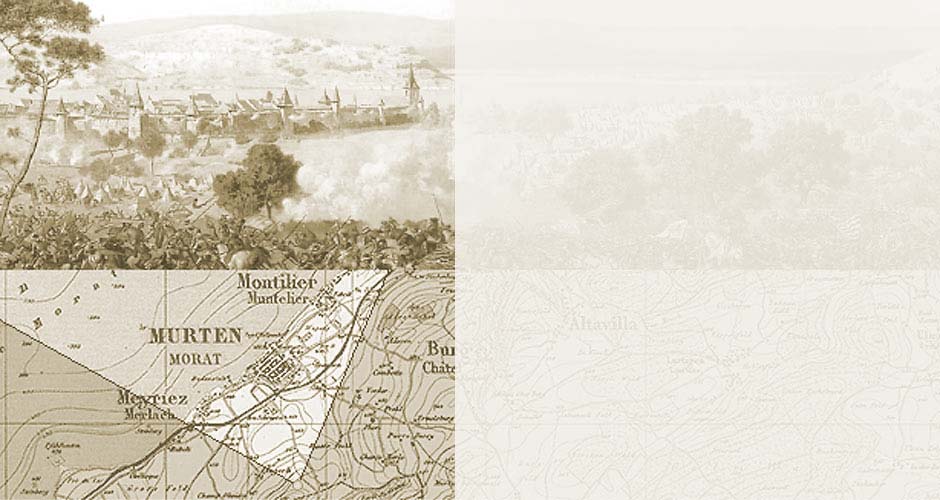
The Battle of Murten, 1476
Panoramic View Help
The upper part of the screen should display the panorama painting; the lower area, a map excerpt displaying the vantage point.
Navigation Help (mouse)
- Mouse over the picture: click the mouse button and drag in the required
direction
- Mouse over the picture: Mousewheel magnifies / reduces the picture
contents (zoom)
- Mouse over the map/pic: turn the angle in the required viewing
direction
- Mouse over the picture: turn the slider to zoom in/out

Navigation Help (keyboard)
Click on the picture
- Cursor keys: moves the detail of the picture
- A key: zooms in, magnifies the picture contents
- Z key: zooms out, reduces the picture contents